
One platform. Every workflow.
Reigniter™ replaces the production stack — writer, art director, editor and motion designer — with a single workspace that renders on brand and tells you the price before it spends.
Every ready-made flow on the shelf
The same Workflows shelf as in the app — category chips, search, and every flow on the catalogue. Open a card to see that workflow.
Training your LMS can actually mark.
A separate product line, not a longer advert: branching modules with checkpoints, packaged for the LMS you already run or reported to your own LRS.
Branching modules with real checkpoints
A question scene stops the film until the learner chooses. The right answer carries on; a wrong one goes to a correction and loops back to the question. The branches are wired before the first render, not invented by a model.
SCORM 1.2 for the LMS you already run
Export a package your LMS ingests and marks. Choose the linked profile so the module updates in place when you re-render, or the packaged profile for an air-gapped site induction.
xAPI to your own LRS
Give us an endpoint and we POST statements to it — answered, passed, completed. We never host an LRS, so learner data stays in your infrastructure.
Start from a PDF or a deck
Drop in the document you already train from and it comes back as numbered steps in order, one action per scene, ready to edit.
Steps that show real instructions
Every step renders as a graphics card with the step number and instruction typeset, because a video model asked to draw your software invents a screen with garbled text. That failure is the reason the format works this way.
Up to 150 steps, in every language you need
A module can run to 150 steps — a course with three checkpoints spends twelve on branching before any content exists. Render the same module in several languages at once; missing copy is translated automatically.
Docs in. Trained team out.
See the training platform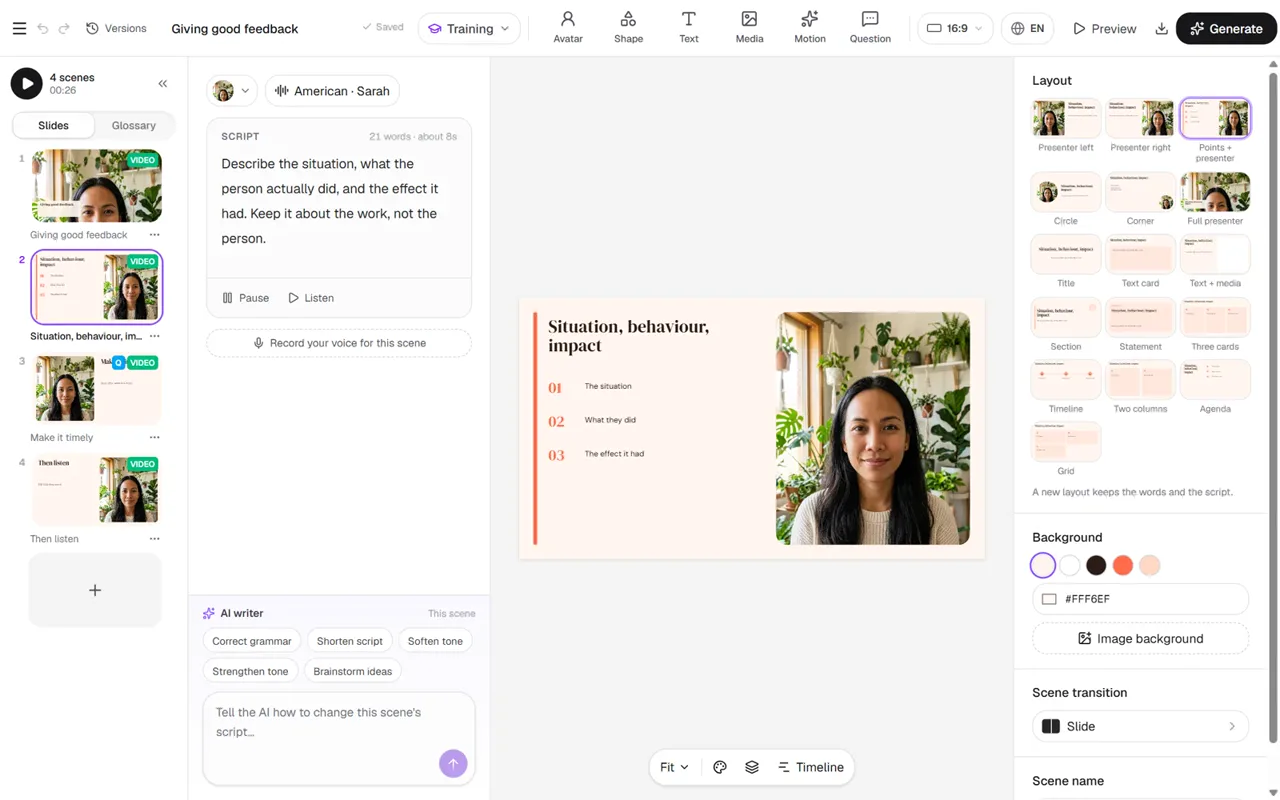
No LMS? You do not need one.
- Invite learners by name, or import them from a spreadsheet
- One attempt, a timer and a pass mark per module
- See who is watching right now, and every result
- Printable certificates, and results as CSV
Your brand, resolved at render time.
Design the identity here, and every advert, still and module resolves against it — rather than having your logo pasted on afterwards.
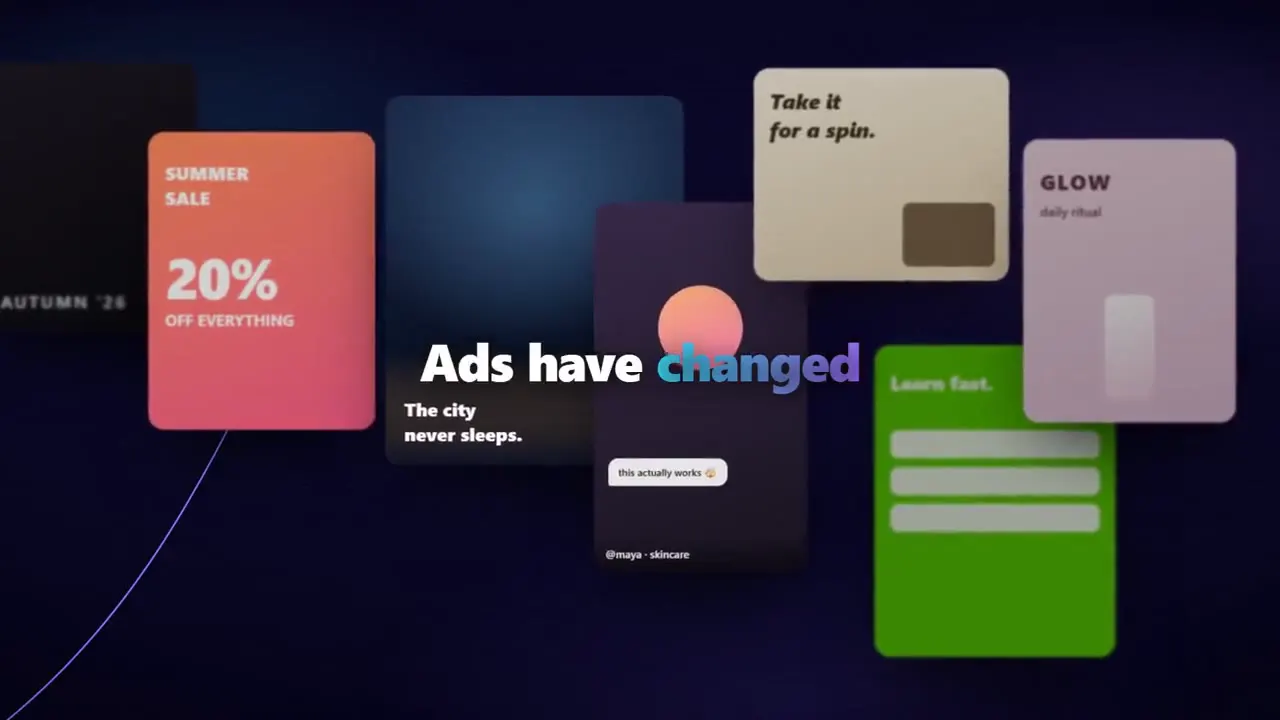
Brand kit, applied at render time
Your logo, your exact hex values and your type live on the brand, and every render resolves against them. Change the kit and the next render follows — nothing is baked in.
Brand designer
A name and a sentence become proposed brand systems — mark, palette and type spec. Pick one and it becomes a kit every advert renders against.
Logo and brand marks
The model is asked for the mark alone and forbidden to draw a single letter; the wordmark and lockups are set in real type, so nothing comes back with melted lettering. The mark is cut to transparency, so it works on a dark card or a photograph.
Guidelines document
The kit written up as a document you can hand to someone else — the marks, the palette, the type and the rules, generated from the same brand the renders use.
Ad blueprint
Take the structure of an advert that works — its beats, its hooks, its order — and rebuild it around your product and your brand. The angle is borrowed; the creative is yours.
Product and asset generation
Generate the supporting stills an advert needs — environments, backgrounds, hero frames — and keep a product catalogue the render pipeline draws from.
Finish the cut in the browser.
A real timeline for what you rendered: trim, reorder, localise and polish before export — beside the canvas that made the clips.
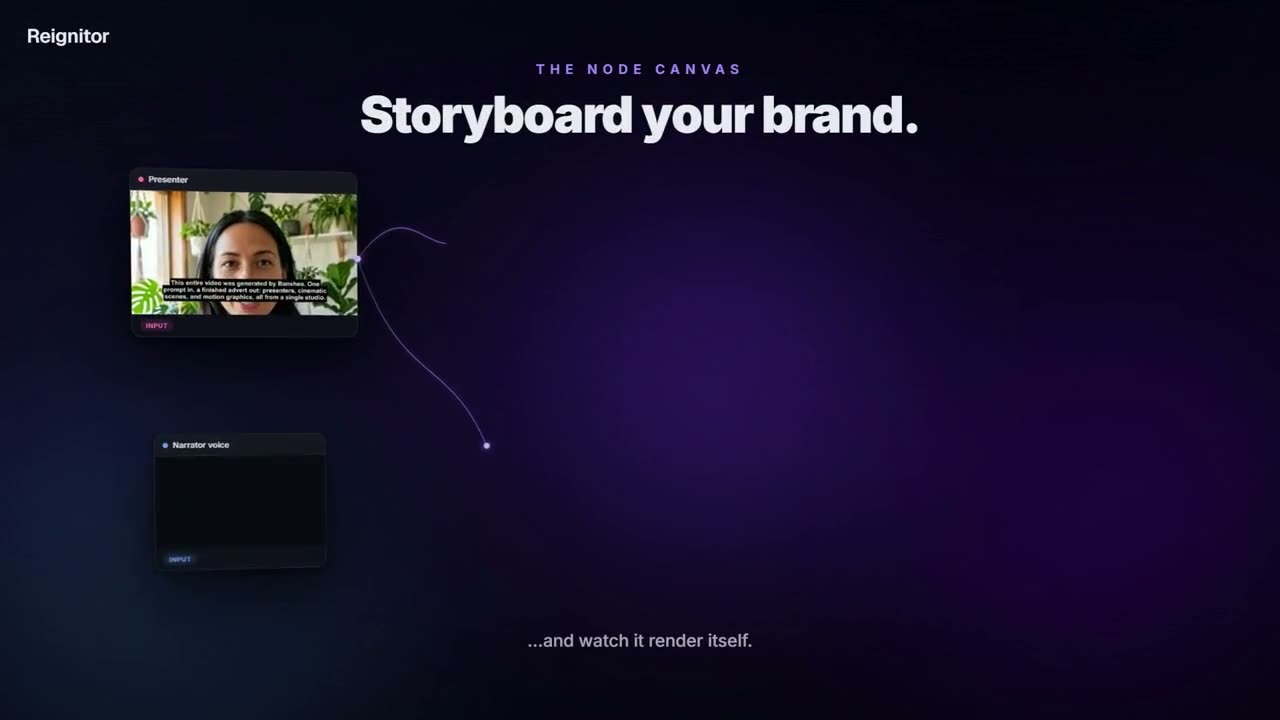
Video editor
A real timeline for the footage you just made: layers, text and keyframes, opened straight from a canvas so your scenes are already in it.
Motion editor
Open a motion template, scrub it, restyle it and re-render. Deterministic output means a variant costs another render and nothing else.
Stock library
Search photos and footage and drop them straight into the editor or the canvas, without leaving for a stock site and coming back with a download.
Voices, music and a presenter cast
Audition narration voices, pick a track, and cast from a presenter library — or upload one photograph and make your own digital twin.
Language cuts
Language cuts are real renders per language, not a dub laid over the old picture, so the mouth matches the words — with 80-plus target languages supported.
Screen recorder
Capture a screen, a window or a tab, with every click logged as a timestamped point you can turn into a chapter in post.
Competitor scanner
Read a competitor’s landing page and their live ads, sorted by how long an ad has been running — the closest public signal that it converts.
Share links and the interactive player
Publish a module or a film to a link that plays in a browser, including the branching player, with no LMS in the way.
Wire renders into the rest of your stack.
Signed webhooks when a job finishes, connectors to the tools you already run, and an API or MCP so a flow can start a render without someone in the app. See also the automations product page.
SCORM 1.2 packages
A package built for the LMS you already run. We do not offer a SCORM 2004 export and we refuse the request rather than hand over a manifest that says 2004 and silently records nothing.
xAPI statements to your LRS
Progress, answers and scores sent to the learning-record store you already own. Without an endpoint the adapter is never built — we do not collect it by default.
Connectors
Connect the accounts a video business actually uses — publishing and ad accounts, storage, catalogue, analytics and team chat — with the credential verified against the provider before it is stored, and every connection isolated to your account.
Developer API and MCP
A REST API for rendering from your own systems, and an MCP endpoint so an agent can brief and render directly. Both ride the same key. Included with Agency.
Webhooks
Subscribe to what happens on your account — a render finishing, a job failing — and have it posted to your own endpoint.
Consent gates on likeness
Building a digital twin or swapping a face requires an explicit, typed affirmation. It is a hard refusal without one, not a default.

Make your next ad on Reigniter™
Generate, edit and render — cinematic, motion graphics, music videos and 80-language translation in one place. Free to start.
Start free